FOR INDIAN CA & CS FIRMS

Your clients. Your team.
All your work in one place.

Your clients.
Your team.All your work in one place.

Manage client documents, ITR and GST work, filing deadlines, team tasks and invoices in one place. No more searching through WhatsApp chats and email threads.

Manage client documents, ITR and GST work, filing deadlines, team tasks and invoices in one place. No more searching through WhatsApp chats and email threads.

30 minutes a day could mean 125 hours back a year.

30 minutes a day could mean 125 hours back a year.

Per person: 11 hours/month or 125 hours/year. For a team of 4: 44 hours/month or 500 hours/year.

Illustrative potential savings, not measured results. Assumes each person avoids 30 minutes of document chasing per working day, with 22 working days/month or 250/year. Actual savings vary.
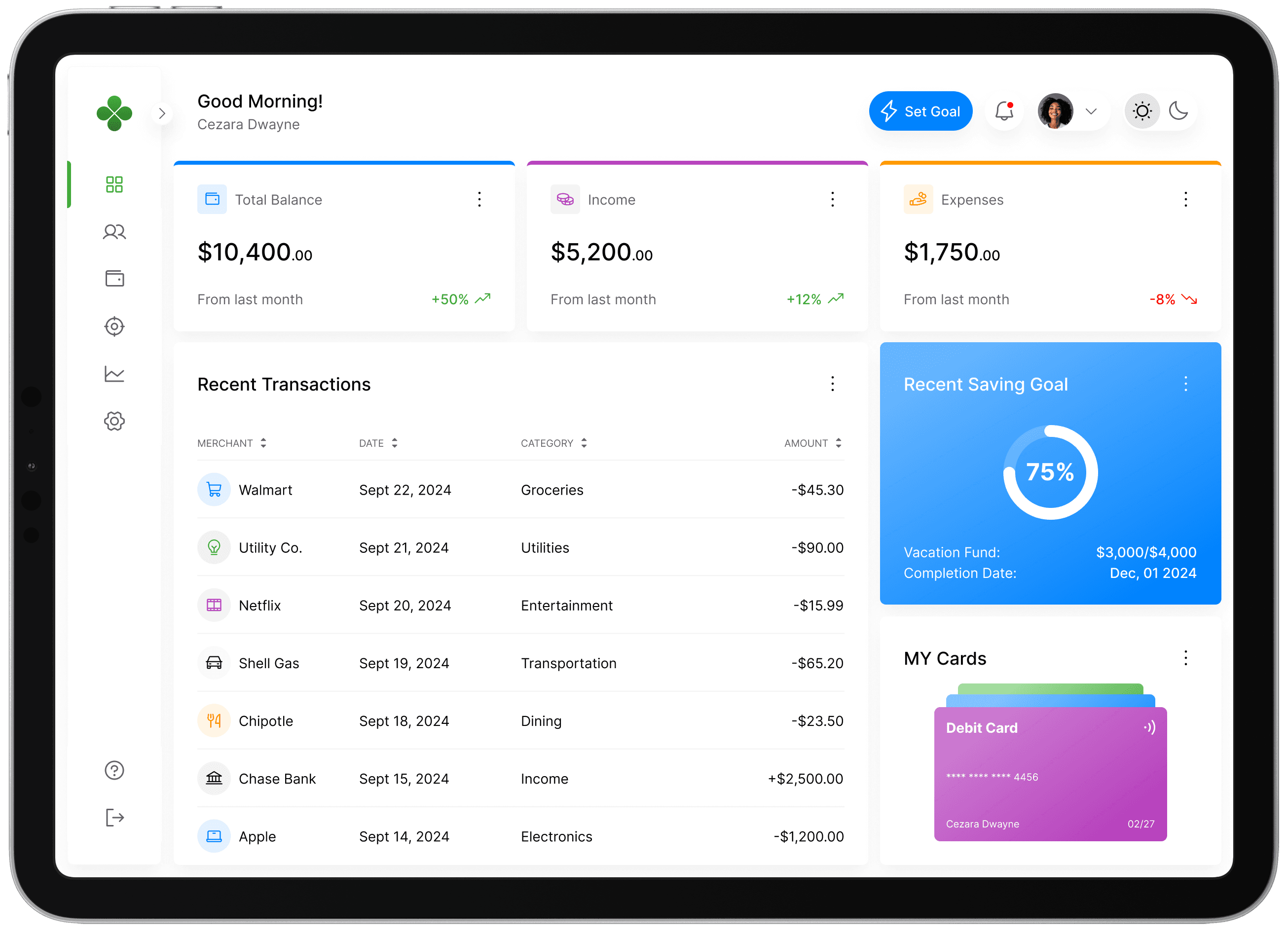
iPad displaying the firm dashboard
Firm dashboard showing client work, document requests and deadlines

One connected workflow

Built around your firm’s day-to-day work

Built around your firm’s day-to-day work

Built around your firm’s day-to-day work

From the first document request to the final invoice, keep your clients and team working from the same information.

From the first document request to the final invoice, keep your clients and team working from the same information.

Collect

Clear requests. Secure uploads.

Use built-in document checklists or your own templates. Clients upload each requested file directly from their phone.

Track

Every client. Every financial year.

Organise ITR, GST, audit and other services by client and year. Use a list or drag work between stages on the board.

Remind

Keep deadlines in view.

See filing dates and extensions on a compliance calendar. Send a reminder now or schedule emails for missing documents.

Bill

GST-correct invoices, in one place.

Create numbered invoices with CGST and SGST or IGST. Send branded PDFs, track payment and set up monthly invoices.

The old way

Move client work out of chats and inboxes

Move client work out of chats and inboxes

Move client work out of chats and inboxes

When documents, deadlines and follow-ups live in different places, your team has to piece the work together.

Problems

Documents arrive on WhatsApp, email, and in person

Files get buried in long chats.

Your team asks the same client for the same paper again and again.

Problems

Documents arrive on WhatsApp, email, and in person

Files get buried in long chats.

Your team asks the same client for the same paper again and again.

The daily cost

Hours lost searching for one file.

Last-minute rush when something is missing.

Client files sitting on your staff's personal phones.

The daily cost

Hours lost searching for one file.

Last-minute rush when something is missing.

Client files sitting on your staff's personal phones.

Solutions

Clients upload against clear document requests.

Track each service, client and financial year.

Deadlines, reminders and invoices stay together.

Solutions

Clients upload against clear document requests.

Track each service, client and financial year.

Deadlines, reminders and invoices stay together.

Documents

Request, review and return documents

Request, review and return documents

Request, review and return documents

Clients upload to secure storage. Accept each file or request it again with a reason, then send final documents back through the portal.

Clients upload to secure storage. Accept each file or request it again with a reason, then send final documents back through the portal.

Clients upload to secure storage. Accept each file or request it again with a reason, then send final documents back through the portal.

Checklists for every service

Phone-friendly uploads

Earlier file versions kept

Restore deleted files for 30 days

Mehta Enterprises

ITR · FY 2025–26 · Illustrative sample

Form 16.pdf

Accepted · Reviewed by your firm

Bank statement.pdf

Upload again · Please include all pages

Final ITR acknowledgement.pdf

Sent to client · Secure download available

Version history kept · Deleted files recoverable for 30 days

Your team, your controls

SHARMA & CO · ILLUSTRATIVE SAMPLE

Priya Shah · Staff

Assigned: Mehta Enterprises, Patel & Sons

Permissions set by Super Admin

Review documents

Allowed

Create invoices

Allowed

Reveal full PAN

Restricted

Client PAN: ABCDE****F

Encrypted storage · Full PAN reveals are logged

Invite staff · Assign clients · Reassign when staff leave

Your team

Your team, with the right access

Your team, with the right access

Your team, with the right access

Assign clients to staff and choose what they can do. When someone leaves, deactivate their account and reassign their clients.

Assign clients to staff and choose what they can do. When someone leaves, deactivate their account and reassign their clients.

Assign clients to staff and choose what they can do. When someone leaves, deactivate their account and reassign their clients.

Super Admin, Admin and Staff

Clients assigned to staff

Control review and invoicing rights

Encrypted PAN; reveals logged

Billing

Invoice clients without switching tools

Invoice clients without switching tools

Invoice clients without switching tools

Set fee items and create GST-correct invoices with automatic numbering. Send a PDF with your firm’s logo, mark payments and remind clients about unpaid invoices.

Set fee items and create GST-correct invoices with automatic numbering. Send a PDF with your firm’s logo, mark payments and remind clients about unpaid invoices.

Set fee items and create GST-correct invoices with automatic numbering. Send a PDF with your firm’s logo, mark payments and remind clients about unpaid invoices.

CGST + SGST, or IGST

Your logo on every invoice

Recurring monthly invoices

Unpaid invoice reminders

Sharma & Co

CHARTERED ACCOUNTANTS

Paid

TAX INVOICE · SC/2026/0042

Billed to Mehta Enterprises · Illustrative sample

GST compliance services

₹5,000

CGST · 9%

₹450

SGST · 9%

₹450

Total paid

₹5,900

Branded PDF · Automatic numbering · Payment tracking

Work

See what’s due and what needs attention

See what’s due and what needs attention

See what’s due and what needs attention

Track services by client and financial year. Monthly GST work repeats automatically, with due-date filters to help your team prioritise.

Track services by client and financial year. Monthly GST work repeats automatically, with due-date filters to help your team prioritise.

Get started

Bring your firm’s workflow together

Bring your firm’s workflow together

Bring your firm’s workflow together

Tell us about your team and the client work you manage.

Tell us about your team and the client work you manage.

Tell us about your team and the client work you manage.

FAQ

Questions about your workspace

Questions about your workspace

Questions about your workspace

How firm setup, client access and document security work.

How firm setup, client access and document security work.

How firm setup, client access and document security work.

Got any specific questions?

How does a firm get started?

Sign up and wait for firm approval before going live. The setup wizard helps you add a logo, choose services, invite staff and import clients from Excel or CSV. A demo client lets you try the workflow first.

Can FirmStack see our clients’ documents?

No. Our own admin tools are built so we never see document contents, file names or PAN.

Can a forwarded invite let someone else in?

No. Clients sign in with a code sent to the email address saved by your firm, not just the invite link. They confirm consent on their first visit. Firm users also sign in by email code, with no passwords.

How are client details and files protected?

PAN is encrypted and masked; revealing it is logged. GSTIN is checked as you type. Files use secure storage and downloads, earlier versions are retained, and deleted files can be restored for 30 days.

What does the client see?

A phone-friendly portal with plain-language document requests, uploads, final documents, invoices, due dates and announcements. Phone photos are compressed before upload. Use View as client to see their exact experience, and choose light or dark mode.